

Studying in the digital age comes with both opportunities and distractions. Between constant notifications and endless online temptations, staying focused on your coursework can feel like a full-time job. That is where university site tools come in. These tools are designed to help students stay organized, manage their time wisely, and improve the way they learn.
Whether you are a visual learner, a note-taking fanatic, or someone who needs help avoiding procrastination, there is a tool out there for you. From flashcard generators and writing assistants to digital planners and focus apps, students today have more resources at their fingertips than ever before. The challenge is not finding them but knowing which ones actually work.
In this blog, we have handpicked the ten best university site tools that can transform the way you study. These tools are practical, proven, and perfect for students who want to do more without working harder.
Top University Site Tools for Smarter Studying
With so many apps and platforms out there, it can be hard to figure out which tools are actually helpful. We’ve narrowed it down to ten of the best university site tools that make studying easier, more efficient, and even enjoyable.
Evernote – Organize Notes and Research
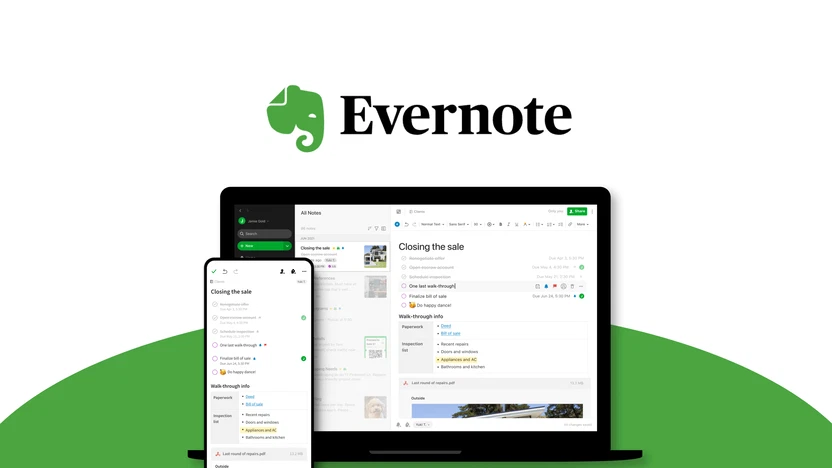
Evernote is more than just a note-taking app. It is a powerful productivity tool that helps students organize everything in one digital workspace. You can capture class notes, web articles, PDF files, and even voice recordings. Its flexible format allows you to sort information into notebooks and add tags for easy searching later.
One of Evernote’s standout features is its cross-device syncing. You can take notes on your laptop in class and later review them on your phone while commuting. This constant accessibility is ideal for students managing multiple subjects or group projects.
You can also use Evernote to create study guides, plan out research papers, and clip useful online resources without switching between multiple tools. For group work, sharing notes and collaborating is as easy as sending a link. Students who struggle with organization or simply want a digital alternative to paper notebooks will find Evernote an excellent solution for staying on top of coursework.
GoConqr – Visual Learning Simplified

GoConqr is a powerful platform for students who prefer to learn visually. It offers a range of tools designed to break down complex information into bite-sized, visual formats that are easier to understand and remember. At the heart of GoConqr is its mind map feature, which helps users connect topics in a web-like layout. This structure promotes deeper understanding by allowing students to see how ideas relate to one another.
In addition to mind maps, GoConqr also provides flashcards, quizzes, and slide sets that students can create and share. It supports collaborative learning, meaning you can join study groups or invite classmates to work together. The study planner feature helps you stay on track with your goals, and progress tracking lets you monitor your improvement over time.
GoConqr is accessible on both desktop and mobile devices, making it a convenient companion for learning anywhere. Whether you are reviewing notes or preparing for exams, this tool offers a flexible and organized way to stay ahead.
Quizlet – Flashcards and Gamified Learning

Quizlet is one of the most popular study tools among university students, and for good reason. It allows you to create custom flashcard sets for any subject and then turn those into interactive quizzes, matching games, or practice tests. This makes it a great option for both memorization and active recall.
The platform also includes pre-made sets on nearly every topic imaginable, so chances are someone has already created the flashcards you need. With the Quizlet app, you can study on the go, even offline, making it a highly flexible option. Two of its most engaging features are the built-in games. In “Match,” you race against the clock to pair terms and definitions, while “Gravity” challenges you to type answers before they disappear from the screen.
For visual and auditory learners, Quizlet includes features like image uploads and text-to-speech functionality. Whether you are preparing for finals or just reviewing vocabulary for a language course, Quizlet helps turn study time into something more fun and productive.
Marinara Timer – Stay Focused with Custom Timers

Marinara Timer brings structure to your study sessions by using the Pomodoro technique. This method involves studying in focused sprints, typically 25 minutes long, followed by short breaks. Marinara Timer allows you to customize your own timers so you can find the work rhythm that suits you best.
The beauty of this tool lies in its simplicity. You do not need an account, and you can start a session instantly. Whether you are cramming for an exam or working through a writing assignment, the timer helps you stay productive while avoiding burnout. Fun alarm sounds and a clean interface make it enjoyable to use.
By breaking your study time into manageable intervals, Marinara Timer helps improve focus and energy levels. It is especially useful for students who struggle with procrastination or attention span. Small breaks between tasks can do wonders for your brain and make long study hours feel less exhausting.
MyStudyLife – The Ultimate Digital Planner
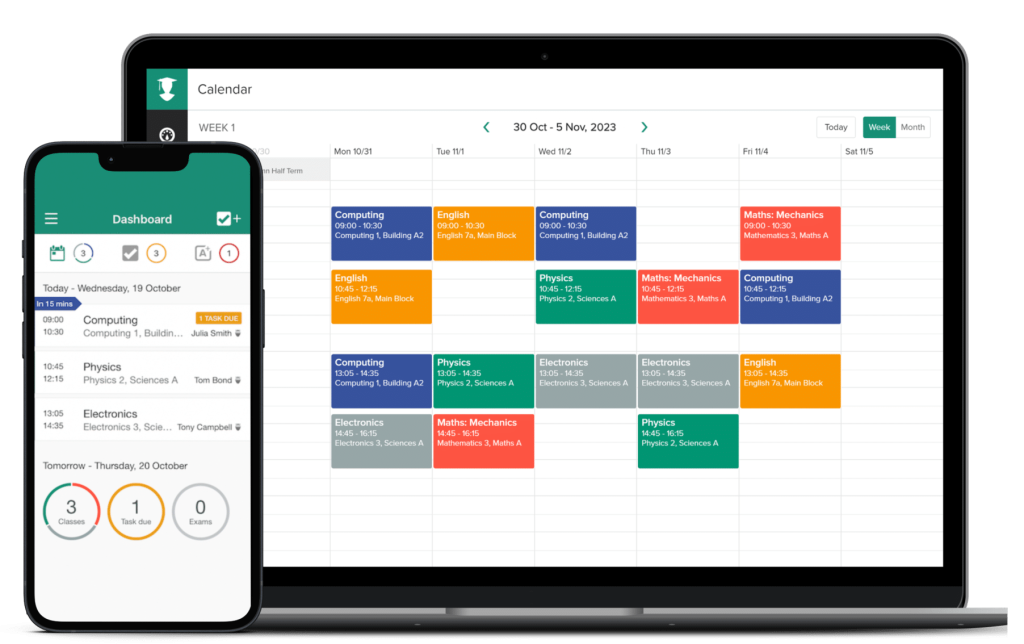
MyStudyLife is a modern solution to the age-old problem of staying organized in college. Designed specifically for students, this digital planner helps you keep track of classes, assignments, exams, and deadlines all in one place. Its interface is simple yet powerful, allowing you to manage rotating timetables, get notifications, and even set recurring tasks.
What sets MyStudyLife apart is its flexibility. You can access it from your phone, tablet, or laptop, and it syncs automatically across devices. This means whether you’re checking your calendar during a lecture or updating your to-do list at home, everything stays in sync.
The app also supports offline access, so you can stay organized even without an internet connection. If you’re juggling multiple responsibilities or just looking for a better way to plan your week, MyStudyLife is one of the best university site tools to have. It replaces paper planners and sticky notes with a sleek, digital dashboard that simplifies your academic life.
Grammarly – Writing Assistant for Academic Success

Grammarly is like having a writing tutor with you at all times. It helps you polish your grammar, spelling, and sentence structure so your assignments look more professional and easier to read. Whether you’re writing essays, emails, or project reports, Grammarly provides real-time suggestions to improve your writing.
Its browser extension makes it even more convenient by working across websites, including email and online submission platforms. You can use it for everything from drafting assignments to communicating with professors or peers. It not only points out errors but also explains why something is incorrect, so you can learn as you go.
The tool even includes a plagiarism checker and tone detector in the premium version, which is helpful for students working on research papers or formal documents. Grammarly is a must-have for anyone who wants to submit clean, confident writing without having to spend hours editing every sentence. It’s a quiet but powerful upgrade to your academic toolkit. For more advanced academic proofreading and research support, students can also explore Proofademic, a platform built to refine scholarly writing and ensure clarity, originality, and citation accuracy.
Forest – Build Focus with Digital Discipline

Forest is a focus app with a clever twist. Every time you want to concentrate, you plant a virtual tree. The longer you stay off your phone, the more your tree grows. If you give in to distractions and exit the app, the tree withers away. This simple concept gamifies focus and encourages users to stay present with their tasks.
It is particularly useful for students who find themselves constantly distracted by social media or messaging apps. Over time, you can grow an entire forest that visually represents your focus habits. You also earn coins that can be used to plant real trees through the app’s partnership with tree-planting organizations.
Forest blends technology and mindfulness to help you study with intention. Whether you’re reading, reviewing notes, or working on a group project, the app creates a distraction-free zone that makes it easier to stay on task and enjoy a sense of accomplishment.
Walter Writes AI – AI Tool for Humanized Academic Writing
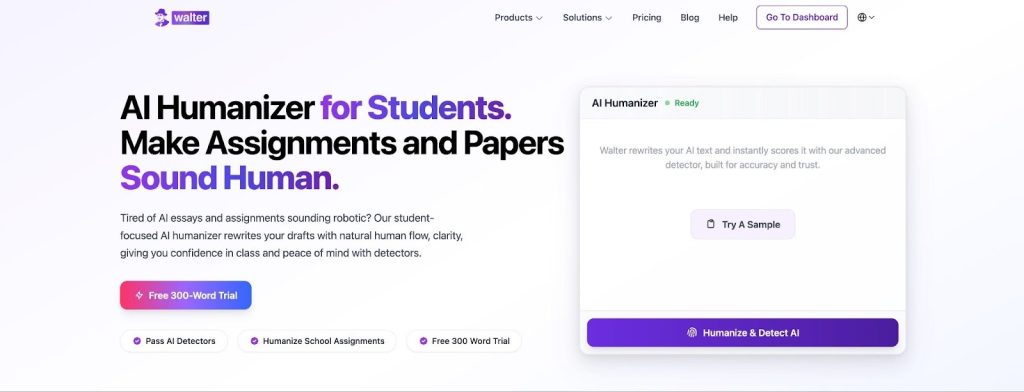
Walter Writes is an AI tool built to help students make their writing sound more natural and authentic. It’s ideal for improving essays, reports, and research papers that started with AI-generated drafts. The platform fine-tunes tone, flow, and phrasing to make your work sound like it came from you, not a machine. This helps students write with more confidence while maintaining originality and clarity.
WalterWrites also includes a built-in AI detector that shows how likely your text is to be flagged as AI-generated before submission. This feature helps protect academic integrity while allowing you to use AI responsibly in your writing process.
Whether you’re refining a lab report, polishing a class paper, or preparing a scholarship essay, Walter helps make AI-written essays sound more natural, polished, and true to your own voice.
Khan Academy – Free Courses for Every Subject
Khan Academy is one of the most trusted educational platforms available for students of all ages. It offers thousands of free courses across subjects like math, science, economics, computing, history, and more. Whether you are trying to catch up on a topic or get ahead of your curriculum, Khan Academy provides clear, structured lessons that make learning easier.
The platform breaks complex topics into short, digestible videos that you can watch at your own pace. Each course is organized step by step, and you can track your progress along the way. Many students use it to supplement classroom learning, especially when preparing for standardized tests or brushing up on subjects that need extra attention.
Interactive quizzes and practice exercises follow most lessons, helping you apply what you learn right away. You can also set goals and build a personalized learning plan that fits your schedule. If you want a solid, no-cost resource that covers almost every major subject, Khan Academy is an excellent choice.
Wolfram Alpha – The Ultimate Answer Engine
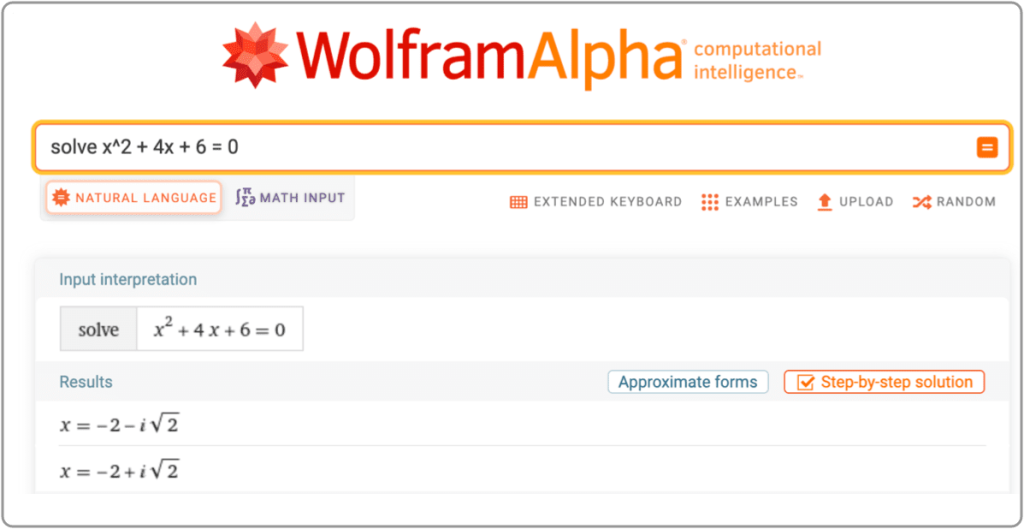
Wolfram Alpha is a smart computational engine designed for students who want fast, accurate answers to complex academic questions. It goes beyond a typical search engine by using curated data to generate real solutions instead of simply showing links. Whether you are solving math problems, checking physics equations, or looking for historical data, Wolfram Alpha provides direct answers backed by deep knowledge.
This tool is especially useful in science, technology, engineering, and math courses. You can enter anything from basic arithmetic to advanced calculus problems and receive step-by-step solutions. It also handles conversions, statistical analysis, and even data visualizations.
The interface is straightforward, making it easy to use even for beginners. Students who need quick help with homework or want to verify their solutions will find it incredibly valuable. Wolfram Alpha turns your laptop or phone into a powerful academic assistant, helping you learn smarter and faster with reliable, real-time answers.
Making the Most of These Tools
Having the right tools is only half the battle. To truly benefit from these university site tools, students need to build consistent habits around their usage. Start by identifying your academic challenges. Are you struggling with focus, organization, or time management? Pick tools that directly support those areas and integrate them into your daily routine.
Combine digital planners like MyStudyLife with focus tools like Forest to create a distraction-free schedule. Use Grammarly for all your writing assignments, and turn to Khan Academy or Wolfram Alpha when a concept is unclear. Evernote can help you collect your notes, and GoConqr or Quizlet can make review sessions more effective.
Also, set realistic goals for each study session. Use a timer and stick to it. Treat these tools as support systems rather than replacements for effort. When used with intention, these tools can reduce academic stress and improve your overall performance. The key is consistency and knowing how each platform fits into your study strategy.
Final Thoughts
University life comes with many responsibilities and distractions, but it also offers more resources than ever to help you succeed. The right combination of study tools can transform how you manage time, understand difficult topics, and submit better work.
All the tools listed above are student-friendly, easy to access, and designed to make learning more efficient. They do not replace hard work, but they do make it easier to stay organized, focused, and motivated. Whether you are just starting college or trying to level up your academic performance, these platforms can support your goals.
Try a few and see which ones fit your learning style best. You do not need to use them all, but finding two or three that align with your routine can make a big difference. With the right digital companions by your side, studying becomes less stressful and more productive.

