

Client relationships are the heartbeat of any branding agency. From managing design approvals and sharing brand assets to coordinating timelines and maintaining confidentiality, everything revolves around clear communication. But email threads and scattered tools just don’t cut it anymore.
That’s where client portals come in.
A good client portal provides a secure, centralized space where your agency and clients can collaborate seamlessly. Whether you’re sharing brand guidelines, tracking project milestones, or gathering feedback, the right tool can elevate your entire client experience.
In this guide, we’ll walk you through the best client portal tools tailored for branding agencies. From all-in-one platforms like SuiteDash to white-label solutions like Clinked, you’ll find tools that match your agency’s size, style, and workflow.
Why Branding Agencies Need a Client Portal
Branding agencies juggle a lot with creative briefs, feedback loops, asset approvals, invoicing, and more. Managing all this without a centralized system can lead to project delays, missed updates, and frustrated clients.
A client portal solves this by creating a structured and secure environment where everything lives in one place. Here’s how it benefits branding agencies:
- Professionalism: Delivering work through a branded portal shows your clients that you’re serious about quality and organization.
- Clarity: Clients can easily track project stages, view deliverables, and ask questions without digging through email chains.
- Security: When dealing with unreleased logos or confidential guidelines, a secure file-sharing system is essential.
- Efficiency: With built-in task tracking, chat features, and approval workflows, you save time and reduce back-and-forth.
If your agency still relies on manual updates and shared Google Drives, it might be time for an upgrade.
What Makes a Great Client Portal for Branding Teams
Not all client portals are built the same. Branding agencies need more than just project management; they need tools that mirror their aesthetic, protect their intellectual property, and support creative workflows.
Here are the must-have qualities in a portal designed for branding teams:
- White-label capabilities: Customize the portal with your agency’s logo, color palette, and domain.
- Brand asset management: Store and organize logos, style guides, and design files in an easy-to-navigate way.
- Approval flows: Simplify the review process for clients with comment threads and version control.
- Multi-client support: Easily manage separate workspaces for each client without overlap or confusion.
- User permissions: Control who can view or edit files within your client’s team.
- Integrations: Sync with tools like Slack, Google Drive, or Notion for smoother workflows.
Now let’s look at the top platforms that deliver these features and more.
Top Client Portal Tools for Branding Agencies
Here’s a curated list of the best client portal tools that cater specifically to the needs of branding and creative teams.
Clinked

Visit Clinked
Clinked is a fully white-labeled client portal software designed with branding and security at its core. You can add your agency’s logo, colors, and even use your own domain to offer a seamless brand experience to clients. It features secure file sharing, group chat, task management, and document collaboration, all inside a cloud-based interface.
Its mobile-friendly design makes it easy for clients to stay connected on the go. Plus, granular permissions allow you to control exactly who can access what.
Best for: Agencies looking for a clean, secure client portal with full branding control.
Copilot
Explore Copilot
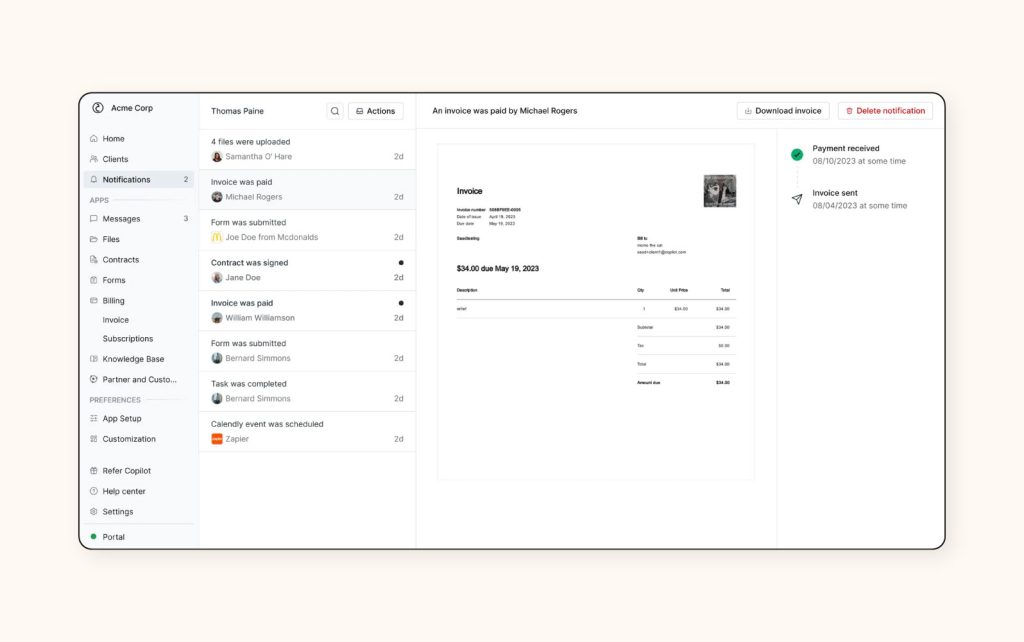
Copilot blends client experience and backend efficiency into one intuitive portal. You can automate onboarding, receive client messages, share deliverables, and even manage payments, all in one sleek interface. Its magic link login is a standout, removing the need for passwords and making client access fast and easy.
With custom fields, white-label options, and Stripe integration, Copilot becomes more than a project management tool. It is a full-service customer portal software for creative teams.
Best for: Design-forward agencies that want to streamline client interactions with a modern, user-friendly interface.
SuiteDash

Check SuiteDash
SuiteDash is an all-in-one client management platform that replaces a stack of separate tools. It includes a CRM, project management, billing system, secure client portal, and even built-in email marketing tools. For agencies that want everything under one roof, this is a powerful solution.
You can create custom dashboards for each client, use automation flows to reduce manual tasks, and set up branded workspaces that reflect your agency’s identity.
Best for: Growing agencies that want to consolidate operations into one tool with deep functionality.
Accelo

Discover Accelo
Accelo focuses on streamlining professional services with its project tracking and client portal features. It’s particularly helpful for agencies that need advanced reporting, time tracking, and resource management alongside traditional client collaboration features.
Clients can log in to view timelines, submit requests, track progress, and access deliverables. It also integrates with G Suite, Microsoft 365, and more, making it easy to plug into your existing workflow.
Best for: Mid to large-size branding firms needing robust reporting and operational oversight.
Zendesk
Explore Zendesk
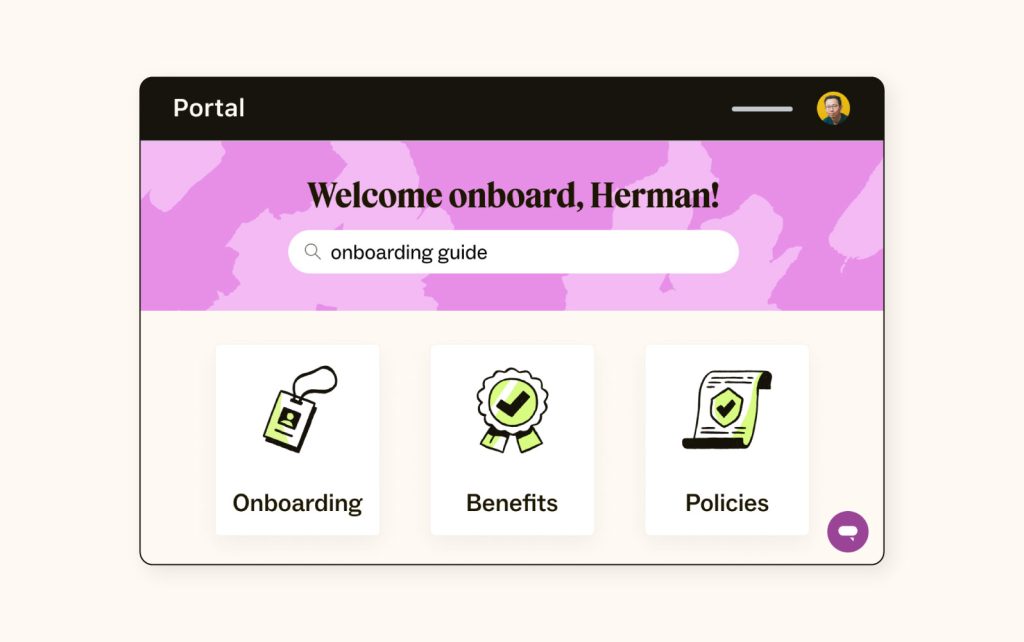
While best known for customer support, Zendesk’s customer portal feature makes it a great addition for agencies that prioritize responsive client service. You can create a knowledge base, open ticketing system, and branded portal where clients can request updates or support.
Zendesk is powered by AI-driven agents and automation, helping teams resolve common issues faster. With its integration-ready ecosystem, it works well alongside CRM software and task management tools. With its integration-ready ecosystem, it works well alongside CRM and task management tools.
Best for: Agencies that want to offer branded support and real-time assistance through a trusted platform.
OneDesk
Visit OneDesk
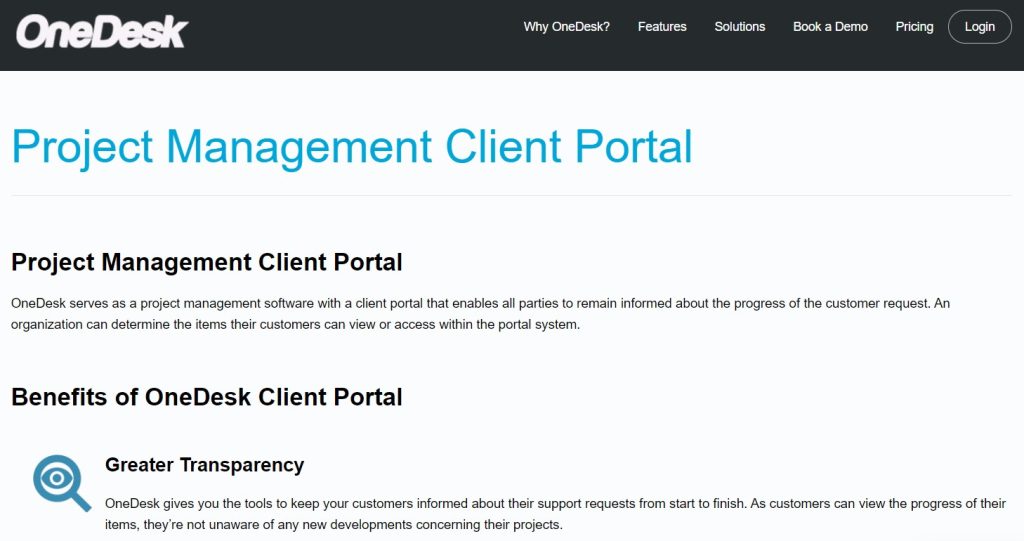
OneDesk brings together helpdesk and project management in one client-facing platform. Clients can submit tickets, view project updates, join discussion threads, and review shared documents, all from their dedicated portal.
It also allows agencies to track internal tasks without exposing everything to the client, giving you full control over what gets shared.
Best for: Agencies balancing ongoing client requests with internal workflows and task coordination.
FuseBase (formerly Nimbus)

Check FuseBase
FuseBase offers advanced workspace segmentation, making it ideal for agencies managing multiple clients or teams. Each workspace is customizable, allowing different branding and access controls. Its collaboration tools include file sharing, project task boards, checklists, and internal notes.
Clients can access only what’s meant for them while internal teams keep discussions and drafts private. It also supports templates for faster onboarding and project kick-offs.
Best for: Agencies managing diverse clients with separate workflows and brand deliverables.
Plutio
Explore Plutio
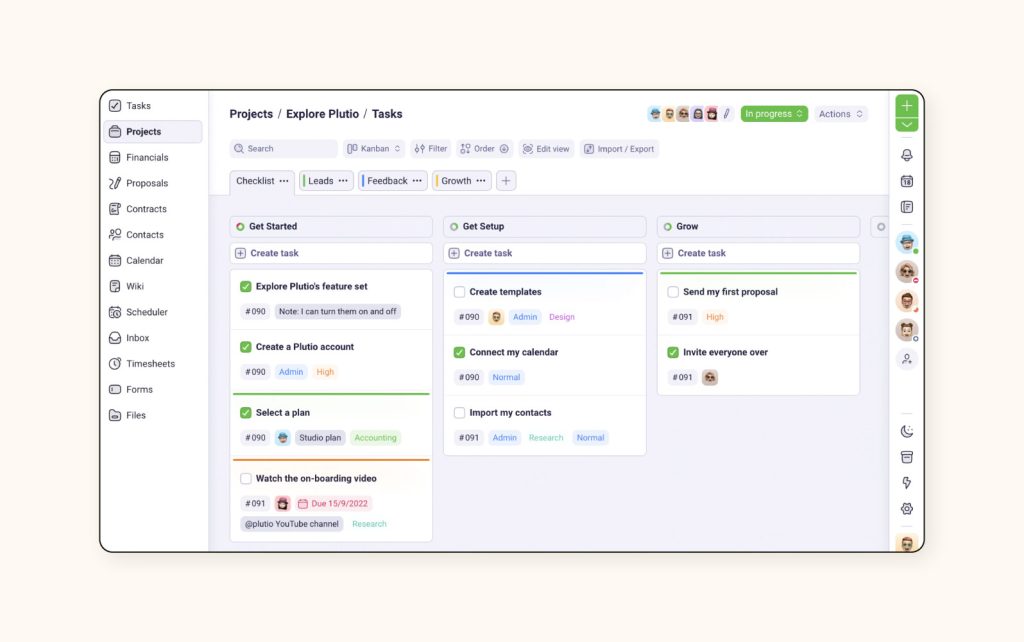
Plutio was built with freelancers and small agencies in mind. It offers project timelines, invoice management, time tracking, proposals, and of course, a sleek client portal. You can invite clients to collaborate on tasks, leave comments, and access shared files in one organized space.
What sets Plutio apart is its visual simplicity paired with deep customization. You can tailor the client interface to match your branding, making it feel like a natural extension of your business.
Best for: Boutique agencies and solo brand designers who want flexibility without sacrificing professionalism.
ManyRequests
Try ManyRequests
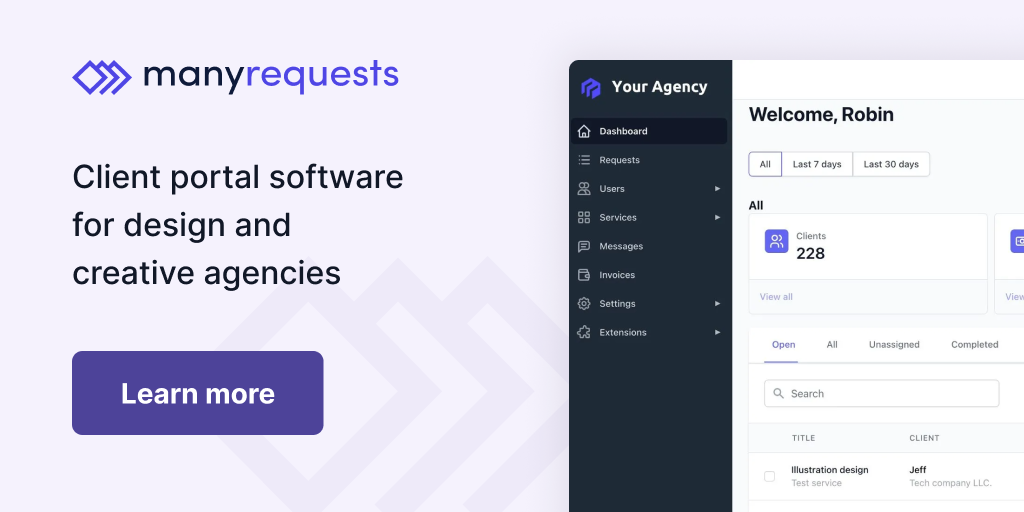
ManyRequests is built specifically for agencies offering productized services. It handles client onboarding, request management, file uploads, and status tracking in a clean, structured format. You can create service catalogs, intake forms, and branded dashboards for each client.
It’s easy to use for both agency teams and clients, making it a great way to scale while keeping communication efficient and repeatable.
Best for: Agencies delivering repeatable, packaged branding services that rely on request-based workflows.
How Client Portals and Brand Management Go Hand-in-Hand
For branding agencies, it’s not just about timelines and task lists, it’s about protecting and presenting a brand’s identity consistently across every client interaction. This is where the right client portal tools and a brand management platform like Brandy work together to create a seamless client experience.
Client portals help manage communication, approvals, and file sharing. But where do those brand files live? Where do you store logo variations, brand fonts, color palettes, or usage rules?
That’s where Brandy steps in.
Brandy acts as your central kit for brand assets, making it easy to organize and share brand guidelines with clients, designers, and developers. When integrated with a client portal, you eliminate the back-and-forth of email attachments or broken Google Drive links. Clients access a secure portal to view projects, and Brandy handles the visual brand documentation.
Here’s how they work together:
- Use Brandy to create and store brand kits
- Share links inside the client portal for real-time asset access
- Ensure consistency during design handoffs and approvals
- Protect usage with permission-based access
When you combine a branded client portal with a platform like Brandy, you deliver a polished, professional, and truly on-brand experience at every stage.
Essential Features to Look For in Client Portal Software
When choosing the best customer portal software for your branding agency, you need more than a sleek interface. The right solution should support your entire client management workflow, from onboarding to delivery, while keeping your branding and communication consistent.
Here are the essential features to prioritize:
1. Secure File Sharing and Storage
Look for portals that allow you to upload files, manage versions, and control access permissions. Clients should be able to access documents easily and securely, without needing to dig through emails.
2. Project Management Capabilities
Features like task lists, due dates, and project timelines keep both your team and clients aligned. Bonus points if the tool includes Gantt charts or kanban boards for visual tracking.
3. Custom Branding
A fully white-labeled experience builds trust. Add your logo, colors, and domain to create a familiar environment that reinforces your brand identity.
4. Collaboration Tools
The best tools offer comment threads, email notifications, and real-time updates. This improves client communicationand allows for quick feedback cycles.
5. Client Onboarding and Access Control
New clients should be able to join via magic links or secure invites. Ensure different permission levels are available to protect sensitive information and give internal teams the privacy they need.
6. Integration with Your Workflow
Check if the portal works with tools like Google Drive, Slack, or your CRM. This ensures a smooth experience for both clients and team members.
Final Thoughts
Choosing the right client portal software is a game changer for any branding agency. It reduces the friction in client collaboration, improves customer experience, and centralizes your creative workflow. Whether you’re managing a logo refresh or rolling out a full rebrand, the portal becomes the central touchpoint for project tasks, approvals, and communication.
Pairing your favorite portal with a brand asset platform like Brandy further enhances this experience. While the portal handles timelines and tasks, Brandy ensures every logo, color palette, and style guide is ready and accessible – on brand, every time.
Take your time to evaluate the features that matter most to your agency. Start with a free plan if available, invite clients to test the interface, and listen to their feedback. The right portal doesn’t just help you manage work, it helps you build relationships that last.
Most Frequently Asked Questions About Client Portal Software
A client portal is a secure digital space where agencies and clients collaborate. It’s essential for tracking projects, sharing files, and improving client communication.
Yes, many tools offer fully white labeled experiences that let you use a custom domain for branding consistency.
Tools like Clinked, Copilot, and SuiteDash are popular choices for their file management, collaboration features, and branding flexibility.

