
Podcasting has become one of the most powerful marketing tools for creators and personalities looking to build a memorable identity and connect with a loyal community. But creating a great show takes more than just hitting record. It’s about using the right tools to plan, produce, and promote high-quality podcast content that reflects your brand identity.
From brainstorming episode ideas to designing stunning podcast cover art, every step of the process shapes how potential listeners perceive your brand. Whether you’re hosting interviews, storytelling sessions, or video podcasts, having the right podcast branding tools can make your workflow seamless and your audio quality stand out.
Today, with countless podcast apps like Apple Podcasts and Google Podcasts, competition is fierce. Your podcast needs to sound professional, look consistent across social media posts, and maintain your brand’s tone through every episode. That’s where modern podcast planning tools, podcast marketing tools, and hosting platforms come in. They help you organize new episodes, track podcast performance, and boost listener engagement.
In this blog post, we’ll explore the best tools every creator and personality should know to produce professional-grade podcast episodes, enhance sound quality, and grow their audience across multiple platforms.
Podcast Planning and Workflow Tools
Creating podcast episodes that resonate with your listeners starts with structured planning. Without a clear roadmap, even the most creative podcast hosts can lose direction. That’s where the right podcast planning tools help. From organizing episode ideas to managing production schedules, these tools make sure your podcast content stays consistent with your brand identity and reaches your potential listeners on time.
1. Trello – Visual Workflow for Podcast Planning

Trello’s intuitive interface turns your production workflow into visual boards where you can assign tasks, set deadlines, and track episode details. Whether you’re planning solo or collaborating with co-hosts, it keeps every task visible, from research and scriptwriting to publishing.
Key Features:
- Create boards and lists for every podcast episode
- Add checklists, due dates, and comments for collaboration
- Attach audio drafts, cover art, or show notes directly
- Use customizable templates for your production calendar
2. Monday.com – Centralized Podcast Project Management

Monday.com simplifies podcast planning by combining task automation with stunning visuals. It offers templates designed for podcast hosts who want to manage new episodes, track audio quality, and maintain platform consistency across teams.
Key Features:
- Pre-built templates for podcast workflows
- Customizable dashboards for content creation and deadlines
- Automations to remind you about episode recording or publishing
- Integrations with Google Podcasts, Apple Podcasts, and social media channels
3. PodMatch – Smart Guest Matching for Creators

PodMatch acts like a dating app for podcasters, matching podcast hosts with guests that fit their niche and audience. It’s perfect for creators building video podcasts or branded series that need engaging conversations without endless outreach.
Key Features:
- AI-powered matching with relevant guest profiles
- Integrated scheduling and in-app messaging
- Connects directly with your podcast apps and hosting platforms
- Saves hours of manual keyword research and guest sourcing
Why These Tools Matter
A successful podcast starts long before the mic is on. These planning tools help creators build a consistent workflow, organize their content ideas, and ensure every podcast episode aligns with their brand identity. With structured planning and the right tools, you can focus on what truly matters. Deliver high-quality audio that attracts loyal listeners and keeps them coming back.
Podcast Recording and Production Tools
Once your podcast planning tools are set up, it’s time to focus on what your audience hears. That’s the heart of your podcast content. Clear, crisp, and consistent audio quality can make the difference between a loyal subscriber and a one-time listener. Professional-grade podcast recording tools allow creators and podcast hosts to capture studio-level sound, even from home setups. Whether you record solo or with remote guests, these tools bring a polished and branded feel to every episode.
4. Riverside.fm – Studio Quality Results from Anywhere

Riverside.fm helps you record high quality audio and video directly from your browser, ensuring your podcast episodes sound professional on every platform, from Apple Podcasts to YouTube. It records locally, so poor Wi-Fi never ruins your content.
Key Features:
- Studio-quality results with lossless WAV and 4K video recording
- Automatic noise reduction and echo cancellation
- Separate track recording for each participant
- Built-in editor for quick touch-ups before publishing
5. SquadCast – Reliable Remote Interview Recording

For creators who regularly host remote guests, SquadCast offers reliable cloud and local recording options. It ensures your sound quality stays clean, even during interruptions. The interface is easy to use, and it syncs directly with podcast apps and hosting platforms for seamless publishing.
Key Features:
- Dual recording (cloud + local) to prevent data loss
- Crystal-clear audio interface for every participant
- Collaborative Green Room setup for testing before live recording
- Exports optimized video files for video podcasts
6. Adobe Audition – Professional Grade Editing and Recording
A favorite among podcasters and audio engineers, Adobe Audition provides broadcast-level editing and recording features. With its intuitive interface and deep control over every sound element, it’s perfect for creators who want to refine their podcast logo music, transitions, and voices into smooth, branded episodes.
Key Features:
- Multi-track recording for intros, interviews, and background music
- Noise reduction, equalization, and mastering presets
- Integration with Adobe Express for creating matching podcast cover art
- Seamless export for multiple hosting platforms and social media channels
Why These Tools Matter
Your audience may forgive a missed upload, but not poor audio quality. The tools above ensure your voice, background music, and sound effects align with your brand tone and deliver a premium listening experience. Whether you record with a co-host or bring on remote guests, professional recording tools set the stage for quality storytelling and help your podcast stand out among other podcasts on every major platform.
Podcast Editing and Sound Design Tools
Once you’ve recorded your podcast episodes, the next step is refining your audio and giving it personality. Great editing isn’t just about cutting mistakes. It’s about reinforcing your brand identity through sound. Clean transitions, signature music, and balanced audio quality make your show stand out from other podcasts and keep listeners engaged.
7. Descript – Edit Audio Like a Document
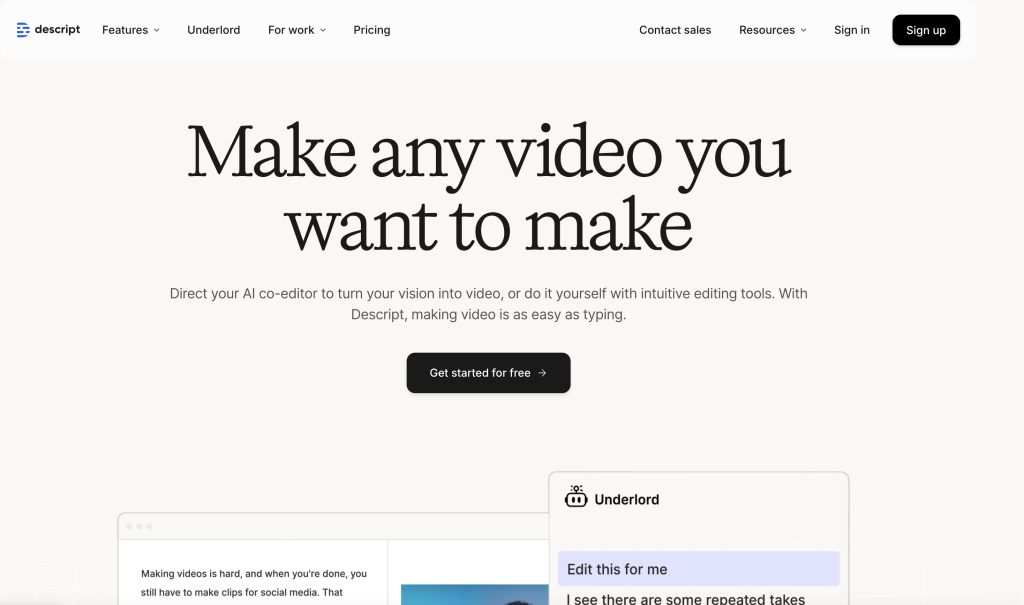
Descript is one of the most popular podcast editing tools among creators. It lets you edit audio as if you’re editing a text document. Delete filler words, rearrange lines, and remove long pauses instantly. This tool is perfect for creators who want professional results without complex editing timelines.
Key Features:
- Text-based edit audio interface powered by AI transcription
- Automatic filler-word removal and background noise reduction
- Screen recording and video recording support for video podcasts
- Exports clips for social media channels and multiple platforms
8. Hindenburg PRO – Editing for Storytellers
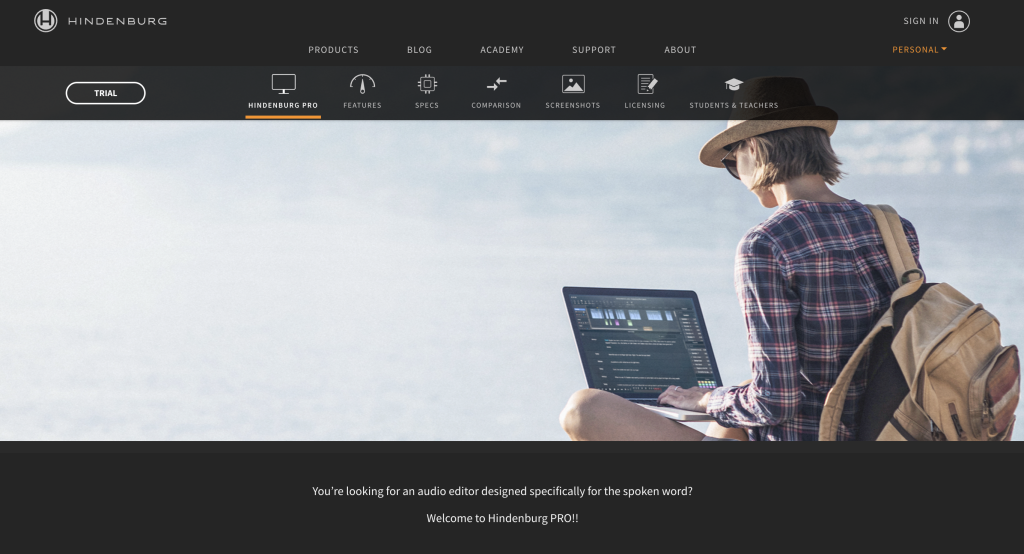
Hindenburg PRO is designed for narrative-style podcast content. Its intuitive interface detects different voices and levels automatically, so every guest sounds balanced. Perfect for podcasters who want broadcast-level storytelling and consistent sound quality.
Key Features:
- Auto-leveling and voice detection for uniform audio quality
- Built-in noise reduction and equalization tools
- Simple drag-and-drop workflow for quick episode assembly
- Supports both WAV and MP3 formats for easy upload to hosting platforms
9. Audacity – Free and Reliable Editing Software
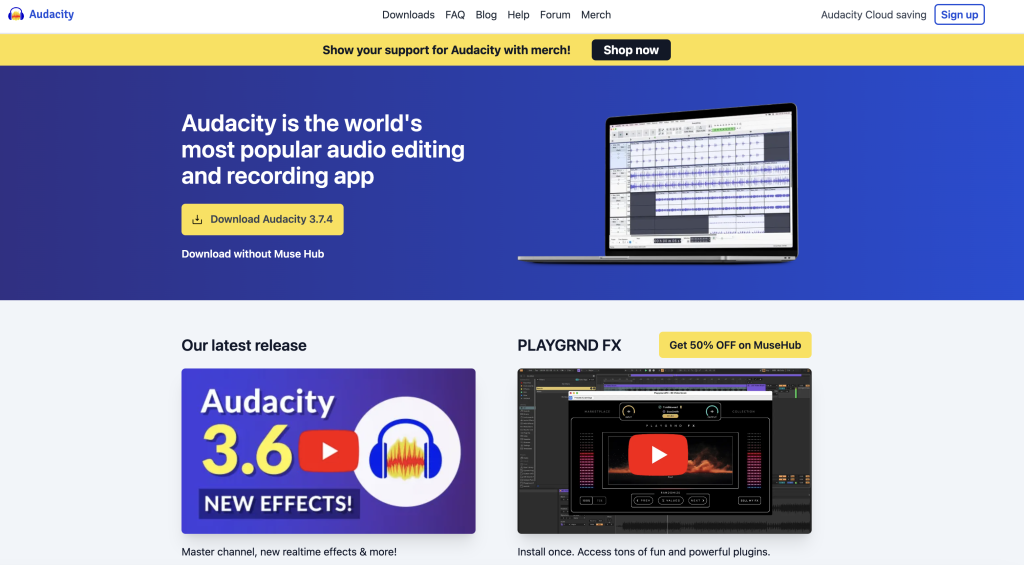
For creators starting their journey, Audacity remains a classic. This free plan software lets you record, trim, and mix tracks easily. With its open-source community and plugin support, it’s a great starting point for achieving professional results on a budget.
Key Features:
- Multi-track editing and mixing tools
- Built-in effects like compression, EQ, and fade transitions
- Non-destructive editing with Smart Clips
- Compatible with all major podcast apps and RSS feed distribution
Why These Tools Matter
Your podcast’s sound quality tells a story before your words do. Whether you’re fine-tuning podcast cover art visuals or crafting sonic intros, editing shapes how your potential listeners experience your brand. Investing in tools like Descript or Hindenburg gives your show a polished, professional finish that encourages loyal listeners to return for more episodes.
Podcast Music and Sonic Branding Tools
Your podcast logo, intro tune, and background music are more than sound. They represent your show’s identity. This is where sonic branding comes in. Just like a visual logo, music helps listeners recognize your brand instantly. The right podcast music tools let you craft intros, transitions, and outros that complement your voice and set the right mood for each episode.
10. PremiumBeat – Curated Tracks for Branded Podcasts

PremiumBeat, powered by Adobe Express, offers a vast library of exclusive, high-quality tracks perfect for building your podcast’s sonic identity. Each track comes with a clear license, so you can safely use it across social media, podcast apps, or video podcasts.
Key Features:
- Professionally curated music designed for storytelling and marketing
- Straightforward licensing for commercial use
- Organized playlists by genre, emotion, or campaign type
- Seamless integration with Adobe Express for cohesive podcast cover art and visuals
11. Pixabay Music – Royalty-Free Backgrounds for Any Mood

If you’re looking for high-quality free options, Pixabay Music is a hidden gem. It’s ideal for creators on a free plan who still want premium sound. You can filter tracks by mood, tempo, or theme to match your brand personality.
Key Features:
- 100% free music library, no attribution required
- Filters by mood, genre, tempo, and duration
- Excellent for background scores and segment transitions
- Works seamlessly with podcast editing software
12. Incompetech – Creative Commons Tracks for Personalities

Incompetech offers an extensive library of royalty-free tracks perfect for branded storytelling. Created by Kevin MacLeod, its music is often heard in popular podcasts, YouTube videos, and marketing campaigns.
Key Features:
- Large variety of styles from cinematic to upbeat
- Search by BPM, genre, or mood
- Free with attribution or one-time license purchase
- Simple downloads and consistent audio quality
Why These Tools Matter
Music creates memory. A distinct jingle or recurring melody helps your podcast episodes become instantly recognizable among other podcasts. It also strengthens your brand identity by connecting emotion and experience. When paired with strong visuals like your podcast cover art, these sound cues ensure your show feels professional and cohesive across social media channels, Apple Podcasts, and Google Podcasts.
Podcast Hosting and Analytics Tools
Even with the best podcast recording and marketing tools, your work isn’t done until your show is hosted, analyzed, and optimized for growth. A reliable hosting platform ensures every podcast episode is distributed to Apple Podcasts, Google Podcasts, Spotify, and other major podcast apps, while advanced analytics help you understand your listeners and improve your future content.
13. CoHost – Advanced Analytics and Growth for Branded Podcasts

CoHost is a professional podcast hosting platform built for creators, brands, and agencies that want to grow their audience strategically. It not only provides secure hosting and automatic distribution but also goes far beyond basic analytics. You can learn who your loyal listeners are, where they come from, and what type of podcast content keeps them engaged.
Key Features:
- Advanced audience insights including demographics, locations, and engagement rates
- Integration with Apple Podcasts, Google Podcasts, and all major players
- Custom-branded players to embed episodes on websites or social media posts
- Track podcast performance, listener behavior, and conversion data
- Team collaboration tools for multiple creators managing unlimited podcasts
Why This Tool Matters
Unlike many basic hosting platforms, CoHost focuses on brand growth. Its data helps you tailor podcast episodes around audience preferences, optimize your publishing schedule, and maintain platforms consistency across channels. Whether you’re a solo creator or a brand with multiple shows, CoHost turns your podcast analytics into actionable insights. It helps you create smarter, stronger, and more strategic shows.
Podcast Marketing and Promotion Tools
Even the most well-produced podcast episodes need smart marketing to reach the right audience. Consistent promotion helps your show stand out across social media channels, improve listener engagement, and attract new listeners on platforms like Apple Podcasts, Google Podcasts, and Spotify. The right podcast marketing tools help you repurpose episodes, schedule posts, and build an authentic connection with your loyal listeners.
14. Headliner – Create Stunning Podcast Audiograms
Headliner is one of the most popular podcast marketing tools for turning your podcast content into shareable social media posts. You can create short videos, waveform animations, or captioned clips to grab attention on Instagram, LinkedIn, or YouTube.
Key Features:
- Auto-generate podcast audiograms from your RSS feed
- Customize visuals with your podcast logo, cover art, and titles
- Export optimized formats for multiple platforms
- Templates to maintain design consistency across every clip
15. Buffer – Simplify Social Media Scheduling

Buffer helps podcast hosts plan and automate their social media presence. Instead of manually sharing each episode, you can schedule posts, analyze performance, and ensure your brand tone stays consistent across channels.
Key Features:
- Unified dashboard for Instagram, LinkedIn, X, and Facebook
- Schedule and recycle social posts across various platforms
- Built-in analytics for podcast performance tracking
- Free plan available with premium upgrades for teams
Final Thoughts
Podcasting is no longer just about recording conversations. It’s about building a brand that your audience connects with every time they hit play. From planning and recording to editing and promotion, every step shapes how your show is perceived across podcast apps, social media channels, and multiple platforms.
By using the right podcast branding tools, you can transform your workflow and elevate your storytelling. Each of the ten tools in this list helps you create a consistent sound, visual identity, and content strategy that reflects who you are as a creator. Whether it’s designing captivating cover art, producing clear audio quality, or engaging loyal listeners with seamless promotion, these tools make your show more professional and memorable.
Remember, a podcast is not just content. It’s your voice, your values, and your vision in sound form. So take the time to choose tools that align with your brand identity, refine your podcast episodes, and deliver experiences your audience will want to return to again and again.

